How to Repost on Social Media: A Comprehensive Guide
Reposting content is a common practice among social media users, allowing them to share interesting posts from others without creating original content. This can be particularly useful for brands, influencers, and everyday users who want to engage with their audience or share important information. In this article, we will explore how to repost on various platforms, including Instagram, Facebook, and Twitter. If you’re looking for a quick solution on how do i repost on instagram, we’ve got you covered!
Why Repost?
Reposting allows individuals and brands to connect with their audience by sharing content they find valuable, entertaining, or informative. This practice can serve several purposes:
- Engagement: Reposting can spark conversations and interactions among followers.
- Visibility: Sharing quality content can help users stay relevant in their community.
- Credibility: By reposting credible content, users can enhance their brand’s reputation.
How to Repost on Instagram
Instagram is one of the most popular platforms for reposting. However, the app does not have a built-in repost feature. Here’s a step-by-step guide on how to repost content on Instagram:
Using Third-Party Apps
Several third-party apps make it easy to repost on Instagram. One such app is the RepostMe application. Here’s how to use it:
- Download the RepostMe app from the App Store or Google Play Store.
- Open Instagram and find the post you want to repost.
- Tap the three dots on the top right corner of the post and select ‘Copy Link.’
- Open the RepostMe app, which will automatically detect the copied link.
- Customize the repost by adding your own caption or changing the placement of the source credit.
- Tap ‘Repost’ to share it on your Instagram feed or stories!
Manual Reposting
Alternatively, you can repost manually on your Instagram by following these steps:
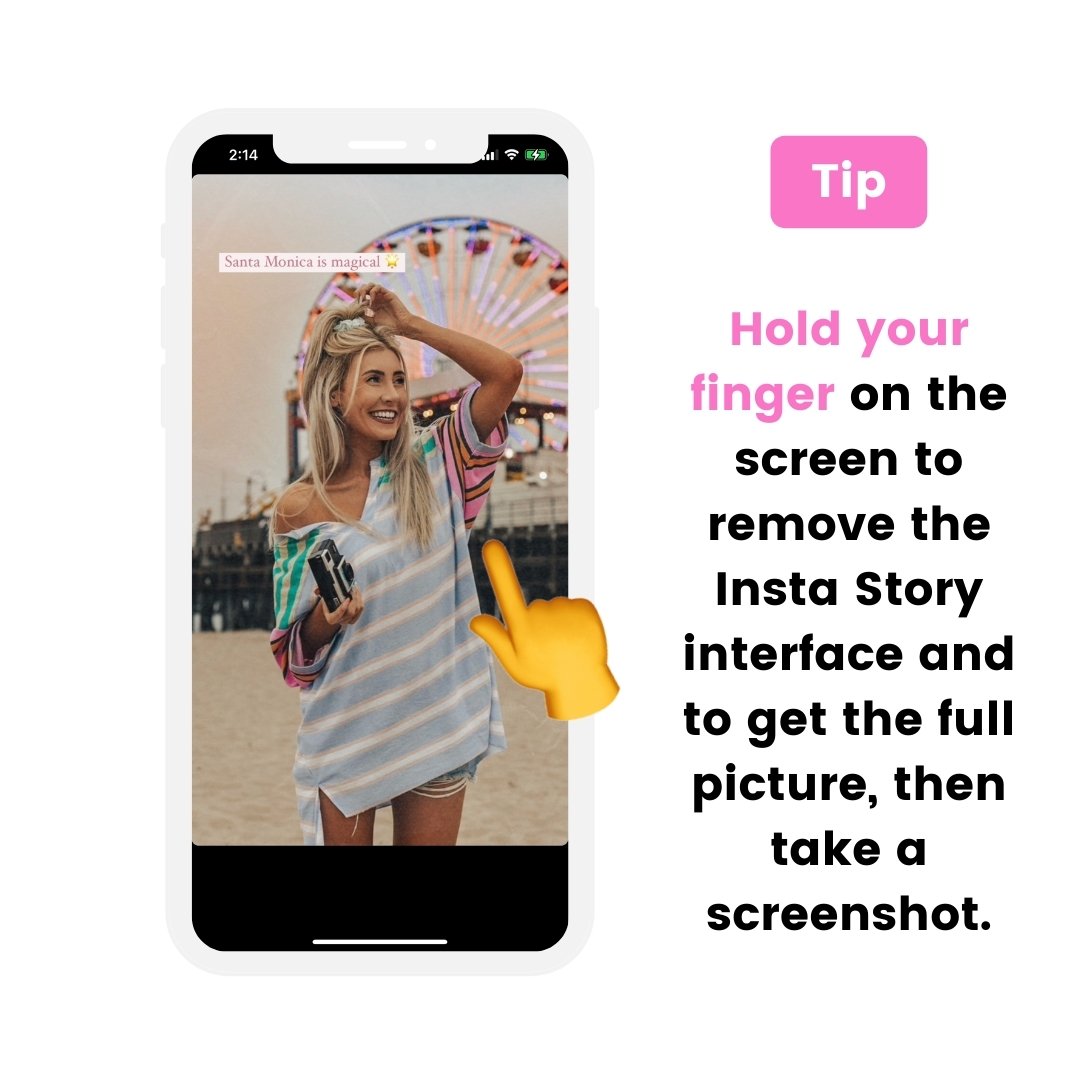
- Take a screenshot of the post you wish to share.
- Crop the image to focus on the content.
- Open your Instagram app and create a new post.
- Upload the screenshot and provide credit to the original creator in the caption.
How to Repost on Facebook
Reposting on Facebook is much simpler compared to Instagram. Here’s how to do it:
- Find the post you want to share.
- Click on the ‘Share’ button located below the post.
- Choose whether you want to share it on your timeline, in a group, or via direct message.
- Add your own comment if desired and click ‘Post.’
How to Repost on Twitter
Reposting, or retweeting as it’s known on Twitter, is straight forward:
- Locate the tweet you want to repost.
- Click on the ‘Retweet’ button below the tweet.
- You can choose to add a comment or just retweet it directly.
Best Practices for Reposting
While reposting is a great way to engage with your audience, here are some best practices to consider:

- Always Give Credit: Make sure to credit original creators to maintain integrity.
- Choose Quality Content: Repost content that aligns with your brand and interests your audience.
- Be Mindful of Frequency: Don’t overwhelm your followers with too many reposts; balance is key.
Conclusion
Reposting can be an effective way to engage with your audience and share valuable content. Whether you are using apps like RepostMe for Instagram, sharing posts on Facebook, or retweeting on Twitter, the key is to maintain the spirit of sharing while giving credit to the original authors. By following the steps outlined in this guide and adhering to best practices, you will enhance your social media presence and foster a sense of community. Happy reposting!